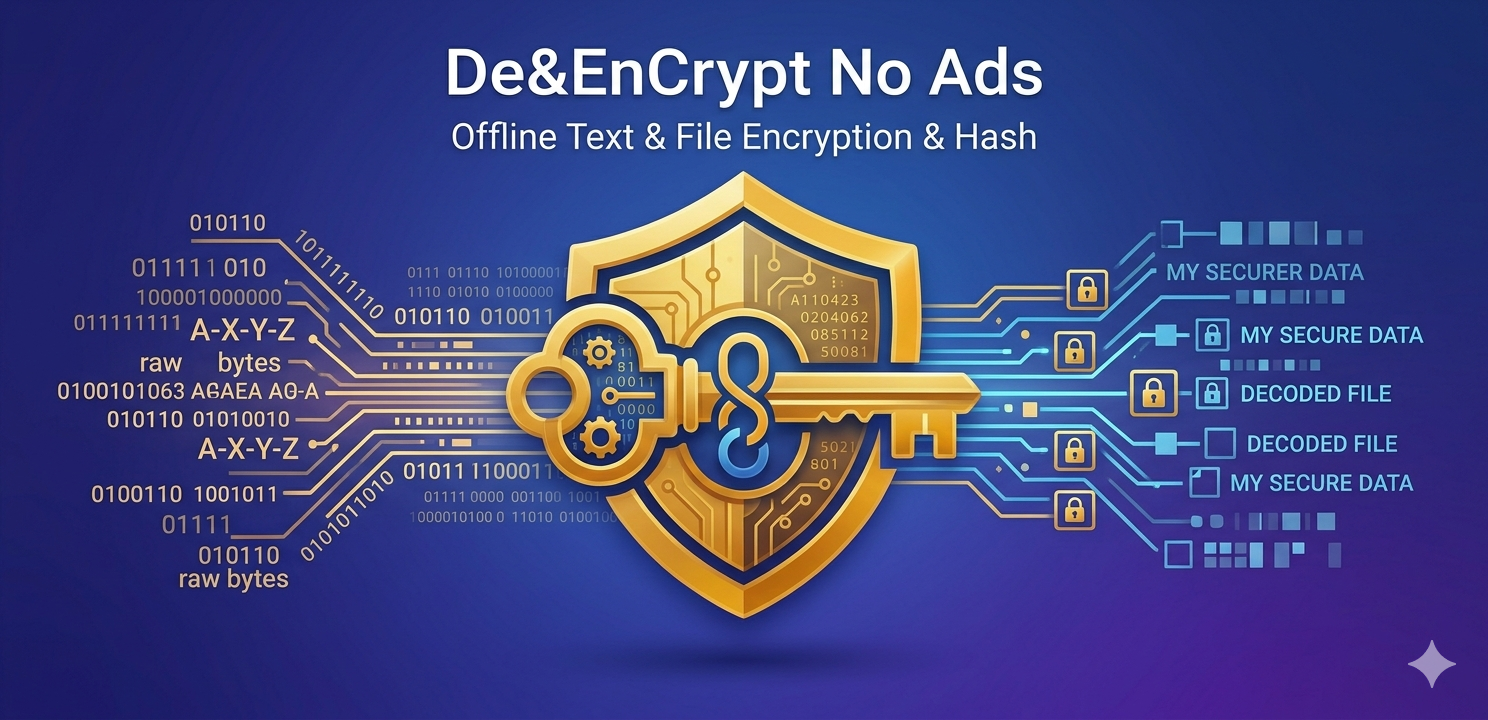

Application Introduction
De&EnCrypt No Ads is a lightweight Android utility for developers, students, and technical users who need quick local text conversion, hashing, and encryption helpers. The app runs on the device and does not require an account, internet connection, analytics SDK, advertising SDK, backend server, or cloud sync.
The app supports Base32, Base64, SHA-256, MD5, binary, octal, ASCII, hex, HTML entities, UTF-16, Morse, Roman numerals, Vigenere, and selected cipher modes through the Android crypto provider.
Google Play Store Listing Text
Short description
Offline encode, decode, hash, and cipher tools for developers.
Long description
Privacy Policy
Effective date: May 15, 2026
Developer contact: minhthang0792@gmail.com
Overview
This Privacy Policy explains how De&EnCrypt No Ads handles information. The app is designed to work locally on your Android device. We do not operate a backend server for this app and we do not collect, sell, share, or transmit your personal data.
Data collection
De&EnCrypt No Ads does not collect personal information.
- No account registration is required.
- No name, email address, phone number, location, contacts, photos, or identifiers are collected by the app.
- No analytics SDK, advertising SDK, crash reporting SDK, or tracking SDK is included.
- No input text, output text, keys, IV values, hashes, or selected file contents are uploaded to us.
Local processing
Text entered into the app is processed locally on your device. Operations such as encoding, decoding, hashing, and cipher processing happen in the app process. Results are displayed on screen and may be copied to your device clipboard only when you choose the copy action.
Files selected by the user
For file hash verification, the app uses the Android system file picker. You choose the file manually. The app opens a stream for the selected file to calculate a hash locally on your device.
- The app does not upload selected files.
- The app does not store a copy of selected files.
- The app does not scan your storage automatically.
Clipboard
The app can paste text from your clipboard into the input field when you tap the paste action. The app can copy output text to the clipboard when you tap the copy action. Clipboard actions are user initiated.
Permissions
The current application build does not require dangerous Android runtime permissions for its core operation. File selection is handled through the Android system file picker, which grants access only to the file selected by the user.
Internet and network access
The app does not request internet permission and does not send data over the network.
Advertising and tracking
The app does not show ads and does not include advertising or tracking SDKs.
Data sharing
We do not share user data with third parties because the app does not collect user data.
Data retention and deletion
The app does not maintain a cloud account or server-side database. Text shown in the app remains only in the app UI during use and may be cleared by the user. Data copied to the clipboard is managed by the Android operating system. To remove app-local state, you may clear the app from recent apps, clear app storage in Android settings, or uninstall the app.
Children's privacy
The app is a general developer utility and is not directed to children. We do not knowingly collect personal data from children.
Security
The app is designed to process data locally. Users should avoid entering sensitive secrets unless they understand the behavior of Android clipboard, screenshots, backups, and device-level security.
Changes to this policy
We may update this Privacy Policy when the app changes. Updates will be reflected by changing the effective date on this page.
Contact
If you have questions about this Privacy Policy or the app, contact the developer at minhthang0792@gmail.com.