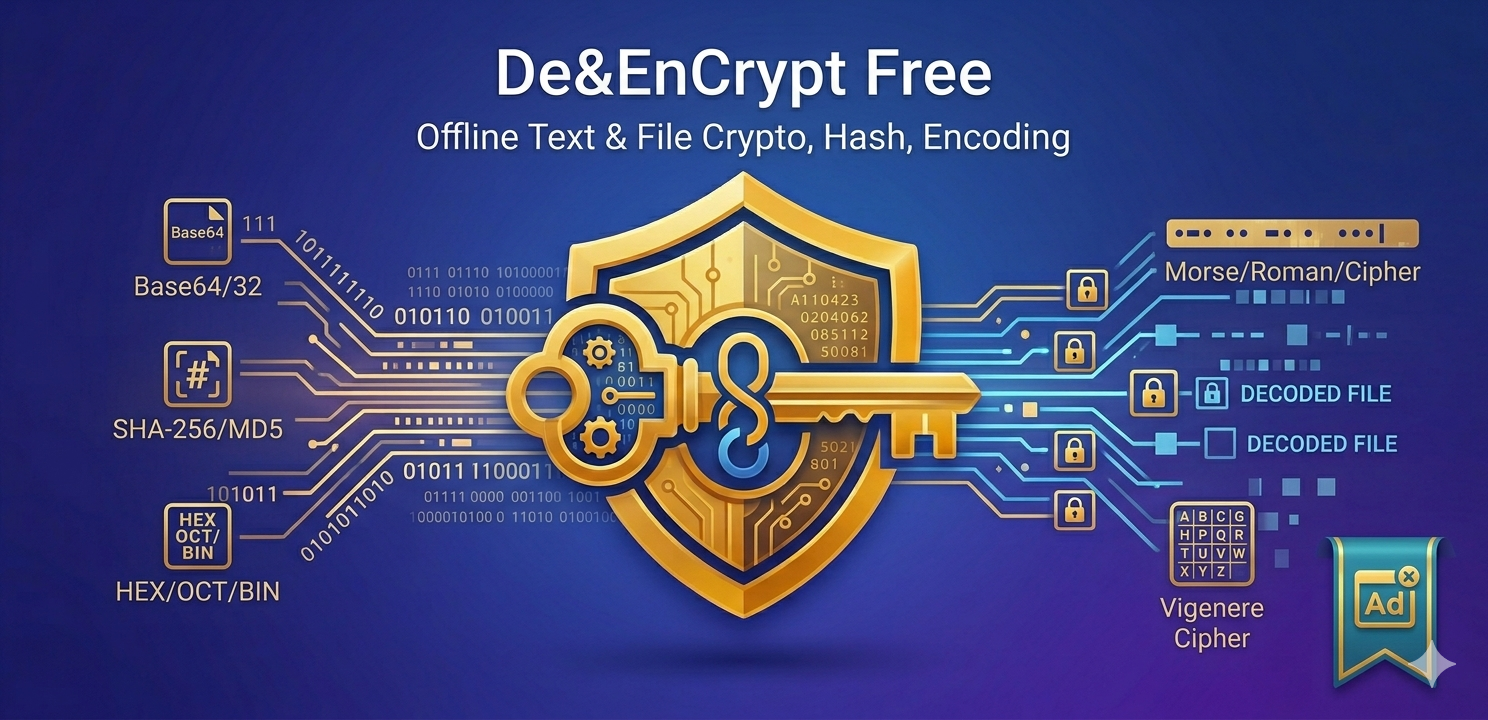

De&EnCrypt
A developer-focused Android utility for encoding, decoding, encryption, decryption, and hashing text quickly.
App Introduction
De&EnCrypt is a lightweight Android utility for developers, students, security learners, and users who need fast text conversion or hash verification on a mobile device.
The app is built for practical workflows: type or paste text, select a transform, run the operation, and copy the result. It supports common encodings, hashes, classic text transforms, Vigenere, and configurable Java Cryptography Architecture cipher options.
Local-first processing
Core text conversions, hashes, and cipher operations are processed on the device. The core app does not upload entered text, keys, IV values, or selected file contents to a developer server.
Built for developer use
The interface uses clear input and output panels, monospace text, copy/paste/clear/swap actions, system light and dark theme support, and file picker support for hash verification.
Google Play Store Description
Short description
Encode, decode, encrypt, decrypt, and hash text quickly.
Long description
De&EnCrypt is a lightweight utility for developers, students, security learners, and anyone who needs quick text conversion, hashing, encryption, or decryption on Android.
The app is built as a practical tool: type or paste text, choose a transform, run the action, and copy the result. It is useful for debugging encoded payloads, checking hashes, converting text formats, experimenting with classic ciphers, or testing Java Cryptography Architecture cipher modes.
Key features
- Base32 encode and decode
- Base64 encode and decode
- Hex encode and decode
- Binary encode and decode
- Octal encode and decode
- ASCII decimal conversion
- HTML entity conversion
- UTF-16 style escape conversion
- Morse code conversion
- Roman numeral conversion
- Vigenere cipher support
- SHA-256 and MD5 text hashing
- File hash verification for SHA-256 and MD5
- Cipher support for algorithms such as AES, ARCFOUR, Blowfish, DES, DESede, and RC4
- Configurable cipher mode, padding, key, IV, and input/output format
- Fast copy, paste, clear, and swap actions
Designed for developer workflows
- Clean input and output panels
- Monospace text for easier reading
- System light/dark theme support
- Output remains easy to review while controls stay near the bottom
- File picker support for verifying file hashes
- No account required
Privacy-focused core processing
Most text operations are performed directly on your device. Text, keys, IV values, and selected file contents are not uploaded to a developer server by the core app. The app uses ads, so advertising partners may process advertising-related data as described in the privacy policy.
Common use cases
- Decode Base64 API payloads
- Convert strings to Hex, Binary, Octal, or ASCII codes
- Generate SHA-256 or MD5 hashes
- Verify a downloaded file against a known hash
- Test AES/DES/Blowfish cipher settings
- Experiment with Vigenere, Morse, Roman numerals, and HTML entities
- Copy converted text into another tool or app
Important notes
This app is a general utility and learning tool. Some cipher mode and padding combinations depend on Android's available crypto providers and may not be supported on every device. If an operation fails, the app shows an error message in the output panel.
De&EnCrypt does not replace a full password manager, key management system, or professional security audit tool. Always handle sensitive keys and data carefully.
App Privacy Policy
Effective date: May 15, 2026
Developer contact: minhthang0792@gmail.com
1. Overview
De&EnCrypt is a text encoding, decoding, encryption, decryption, and hashing utility. The app is designed to process the text or files that you choose inside the app.
This Privacy Policy explains what data the app processes, what Android permissions the app and its integrated third-party SDKs use, how data is handled, and how you can request deletion of data.
2. Data processed by the app
The core De&EnCrypt app processes the following data only when you provide it:
- Text that you type or paste into the input field.
- Keys, IV values, alphabets, and other parameters that you type for encryption or decryption.
- Files that you manually select through the Android file picker for hash verification.
- Text copied to or pasted from the clipboard when you use the Copy or Paste actions.
The core app uses this data to perform the requested local operation, such as Base64 encoding, Hex conversion, SHA-256 or MD5 hashing, Vigenere processing, or cipher encryption/decryption.
The core app does not require account registration and does not ask for your name, email address, phone number, contacts, photos, precise location, or other personal profile information.
3. Local processing of text, keys, and files
Text conversions, encryption/decryption operations, and text hashing are performed on the device.
For file hash verification, the app opens only the file that you explicitly select through the Android system file picker. The app reads the file to calculate a hash value and compare it with the hash text entered by you. The app does not request broad storage access and does not scan your device files.
The core app does not upload your entered text, encryption keys, IV values, or selected file contents to the developer's server. The developer does not operate a backend server for collecting this app content.
4. Advertising and third-party SDKs
De&EnCrypt uses Google AdMob / Google Mobile Ads SDK to display ads. The app may also include the Start.io AdMob mediation adapter so Start.io can serve ads as a mediated ad source configured through AdMob.
Advertising SDKs and mediated ad sources may collect or process device and advertising-related data to provide, measure, limit, and improve ads. Depending on your device, Android version, Google Play services, privacy settings, and regional requirements, this may include:
- Advertising ID or similar advertising identifiers.
- IP address and approximate location derived from IP address.
- Device information such as device model, operating system version, language, screen information, and app/package information.
- Network connection information.
- Ad interaction data, such as ad impressions, clicks, and related diagnostics.
- App install/referrer or attribution-related data where available.
- Android Privacy Sandbox / Ads Services topics or similar advertising signals where available and permitted by Android and Google Play policy.
Advertising SDKs may share advertising-related data with service providers, advertising partners, measurement partners, and fraud-prevention providers as described in their privacy policies and SDK terms.
De&EnCrypt does not control all processing performed by third-party advertising partners. You can review Google's and Start.io's privacy information at:
5. Permissions used by the app
The following permissions may appear in the final Google Play build. Some permissions are declared directly by De&EnCrypt, while others are added by integrated SDKs such as Google Mobile Ads, Start.io mediation, or Google Play services dependencies.
6. Clipboard data
The app reads clipboard content only when you press the Paste action. The app writes output text to the clipboard only when you press the Copy action.
Clipboard text is not sent to the developer by the core app. Please avoid copying sensitive information if you do not want it available through the Android system clipboard.
7. Data storage and retention
The core app does not create a user account and does not store your text, keys, IV values, selected files, or hash inputs on the developer's server.
Some temporary state may be held in app memory while the app is open, such as the current input and output text shown on screen.
Third-party SDKs may store advertising identifiers, cache files, diagnostics, or related ad data on the device or process them on their own servers according to their own privacy policies and retention practices.
8. Data sharing
The developer does not sell or share your entered text, encryption keys, IV values, or selected file contents.
Advertising-related data may be collected and shared by Google AdMob, Start.io mediation, and their partners for ads, measurement, fraud prevention, and attribution as described in their privacy policies.
9. Security
The app is intended as a utility tool. The core transformations are performed on-device. However, no app or transmission method can be guaranteed to be completely secure.
You are responsible for deciding whether to enter sensitive text, encryption keys, or files into the app. Do not use the app as your only secure storage system.
10. Children
De&EnCrypt is a general utility app and is not directed to children. The developer does not knowingly collect personal information from children through the core app.
If you believe a child has provided personal information through this app, contact the developer at minhthang0792@gmail.com.
11. User choices and controls
You can control or limit advertising personalization through your Android and Google settings, such as resetting or deleting your Advertising ID, disabling ad personalization where available, or using Android Privacy Sandbox controls where available.
You can remove app-local data by clearing the app's storage from Android system settings or uninstalling the app.
12. Data deletion requests
Because the core app does not operate a developer backend account system and does not store your entered text, keys, IV values, or selected files on developer servers, the developer usually has no core app content to delete from a server.
To delete local data stored by the app on your device:
- Open Android Settings.
- Go to Apps.
- Select De&EnCrypt.
- Select Storage.
- Tap Clear storage / Clear data, or uninstall the app.
To request deletion of any data that may be associated with you and controlled by the developer, email minhthang0792@gmail.com.
Please include De&EnCrypt Data Deletion Request in the subject line. The developer will review and respond to deletion requests within a reasonable time, subject to identity verification and legal, security, fraud-prevention, or compliance obligations.
For data collected or controlled by Google AdMob, Start.io, or other advertising partners, you may also need to contact those providers or use their privacy controls, because the developer may not have direct access to delete data stored by third-party advertising systems.
13. International users
Advertising partners and service providers may process data in countries other than your country of residence. By using the app, you understand that advertising-related processing may occur internationally according to the third-party provider's privacy policy.
14. Changes to this Privacy Policy
This Privacy Policy may be updated from time to time. When changes are made, the effective date at the top of this document will be updated.
15. Contact
If you have questions about this Privacy Policy, data handling, or deletion requests, contact: minhthang0792@gmail.com